
Service · UI/UX design
Mobile app UI/UX design package
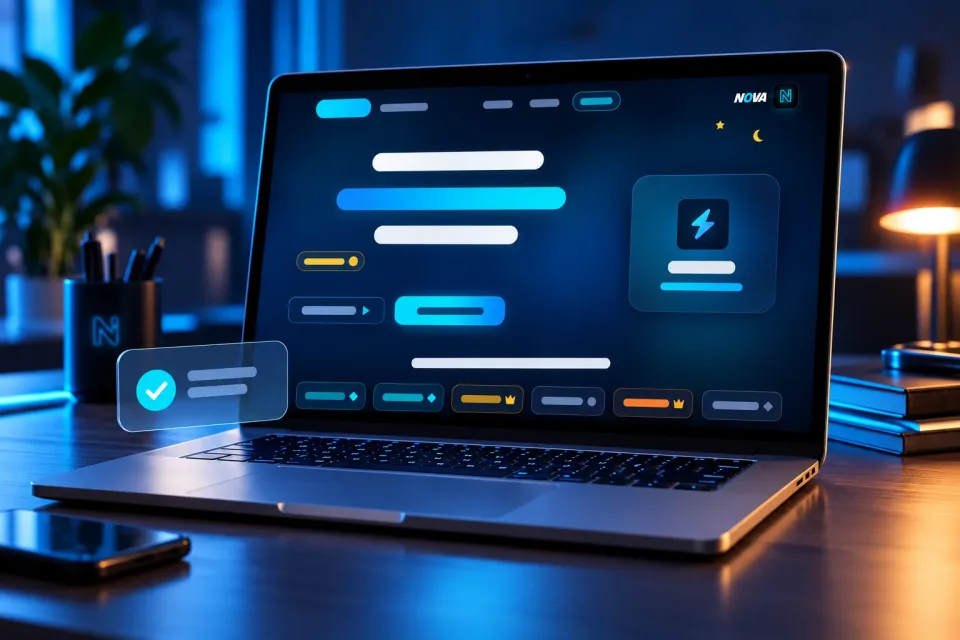
Your app’s screens designed to be easy from the first tap, for Android and iPhone, ready for development.
- Delivery10–15 working daysfrom the start of work
- Pay byBank transfer (Bank of Georgia) · CashFrom any country: Western UnionCliQ · Orange Money · Bank transfer (Arab Bank, Bank al Etihad) · CashFrom any country: Western UnionInternational bank transfer (SWIFT) · Western UnionBank transfer (Bank of Georgia) · CashFrom any country: Western UnionCashFrom any country: Western UnionInternational bank transfer (SWIFT) · Western UnionBank transfer (Bank of Georgia) · CashFrom any country: Western UnionCliQ · Orange Money · Bank transfer (Arab Bank, Bank al Etihad) · CashFrom any country: Western UnionInternational bank transfer (SWIFT) · Western Union
What you get
- The user’s path through the app planned first
- Up to 15 screens designed
- Follows Android and iPhone conventions
- Components and states: empty, loading, error
- A clickable Figma prototype and files for developers
- 2 rounds of revisions during the work
Why you need it
Users decide in the first minute whether an app is worth keeping. A clear design makes that minute count.
What I need from you
What the app should do and for whom, and your logo and colours if you have them. New app or redesign of your current one.
Support, revisions, updates and maintenance
- Revisions Up to 3 requests · From delivery
- Updates when available Not included
- Maintenance and technical support Not included
Each included ticket uses one request when opened; reopening it uses no additional request. Counts apply per purchased unit; quantities do not extend durations. Beyond what is included, more can be bought: at its price where one is set, otherwise at the price the team gives each request. Updates are supplied when available.