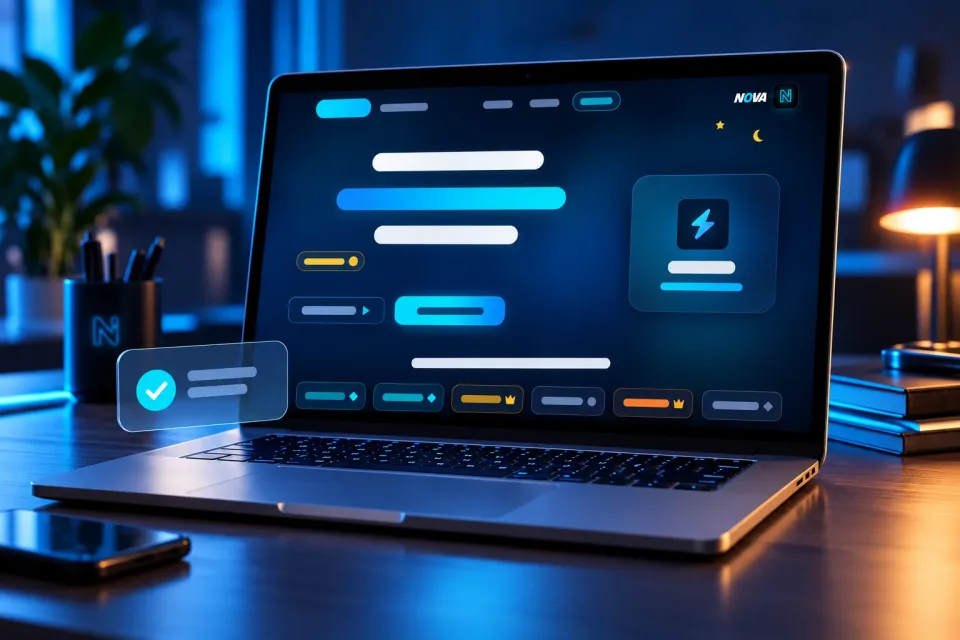

Service · UI/UX design
Clickable prototype and user testing package
Your idea turned into a clickable prototype and tried by 5 real users before a single line of code is written.
- Delivery7–10 working daysfrom the start of work
- Pay byBank transfer (Bank of Georgia) · CashFrom any country: Western UnionCliQ · Orange Money · Bank transfer (Arab Bank, Bank al Etihad) · CashFrom any country: Western UnionInternational bank transfer (SWIFT) · Western UnionBank transfer (Bank of Georgia) · CashFrom any country: Western UnionCashFrom any country: Western UnionInternational bank transfer (SWIFT) · Western UnionBank transfer (Bank of Georgia) · CashFrom any country: Western UnionCliQ · Orange Money · Bank transfer (Arab Bank, Bank al Etihad) · CashFrom any country: Western UnionInternational bank transfer (SWIFT) · Western Union
What you get
- A clickable prototype of up to 10 screens
- Testing sessions with 5 people from your audience
- What they understood, missed and asked, recorded
- The prototype improved after the testing
- A short report of what was learned
- 1 round of revisions during the work
Why you need it
Changing a picture costs little; changing a finished app costs a lot. Testing the idea first saves you from building the wrong thing.
What I need from you
Your idea and who it is for. If you know people from your audience, tell me; otherwise I find them.
Support, revisions, updates and maintenance
- Revisions Up to 2 requests · From delivery
- Updates when available Not included
- Maintenance and technical support Not included
Each included ticket uses one request when opened; reopening it uses no additional request. Counts apply per purchased unit; quantities do not extend durations. Beyond what is included, more can be bought: at its price where one is set, otherwise at the price the team gives each request. Updates are supplied when available.